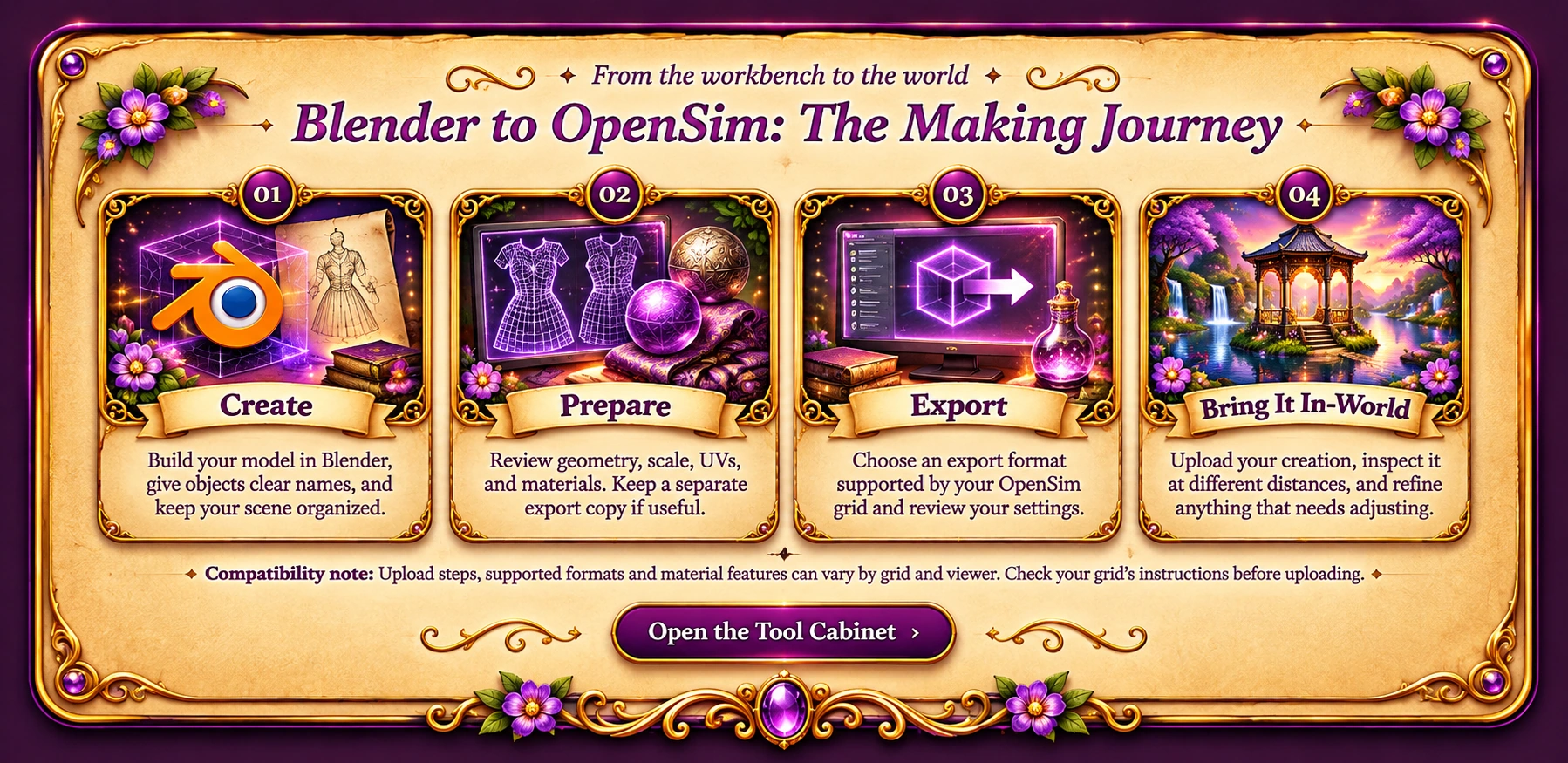
UV & Unwrapping
Learn UV mapping and unwrapping techniques for clean, reliable textures.



Follow illustrated guides for Blender, texturing, and OpenSim.
Browse Blender 5.2 beginner lessons, starting with installing add-ons and extensions.
Learn UV mapping and unwrapping techniques for clean, reliable textures.
Paint detailed textures and learn techniques for beautiful results.
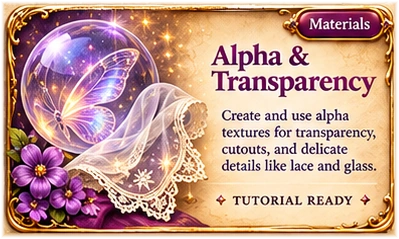
Create and use alpha textures for transparency, cutouts and delicate details.
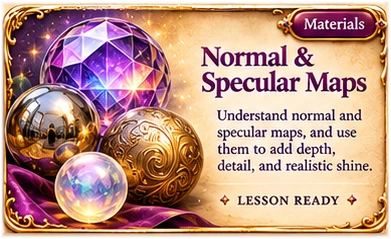
Learn how normal and specular maps add depth and realistic shine.
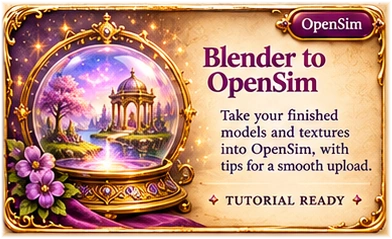
Bring your Blender creations into OpenSim.
No matching tutorials. Try another search or category.
✧ Blender Basics is open! Start with our Blender 5.2 add-ons lesson; more beginner guides will follow. ✧
✦ From the workbench to the world ✦
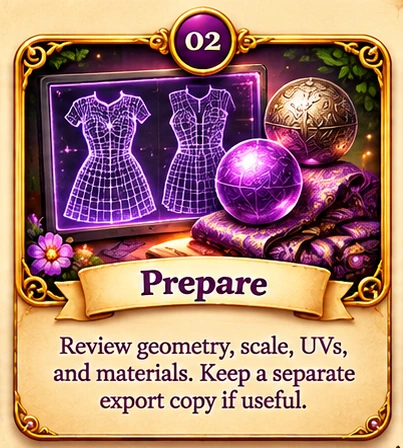
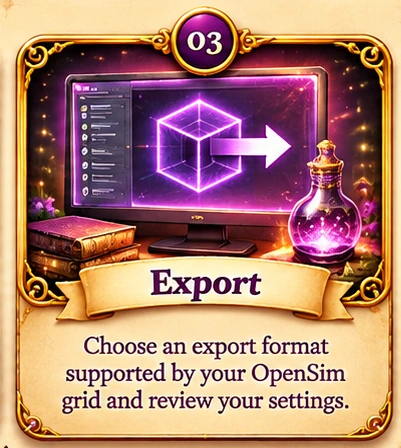
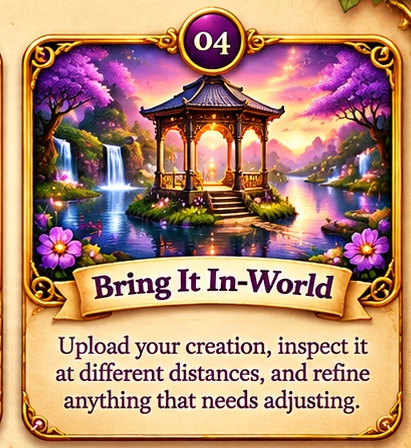
Compatibility note: Upload steps, supported formats and material features can vary by grid and viewer. Check your grid’s instructions before uploading.
Open the Tool CabinetCompatibility note: Upload steps, supported formats and material features can vary by grid and viewer. Check your grid’s instructions before uploading.