Blender Basics

Blender Basics — A Little Magic for Beginners. A friendly corner of the workshop for learning Blender, one little step at a time. Written for Blender 5.2. An ornate gold-and-amethyst banner with a lantern, armillary sphere, enchanted books, violet flowers and Blender modeling diagrams.

Your Blender Journey Starts Here

Welcome to the Workshop — Your Blender Journey Starts Here. Whether you’re opening Blender for the first time or just learning where everything lives, these simple guides will help you get comfortable making things. We’ll add more beginner lessons as our tutorial collection grows.

✦ START WITH LESSON ONE ✦

Ready to Learn?
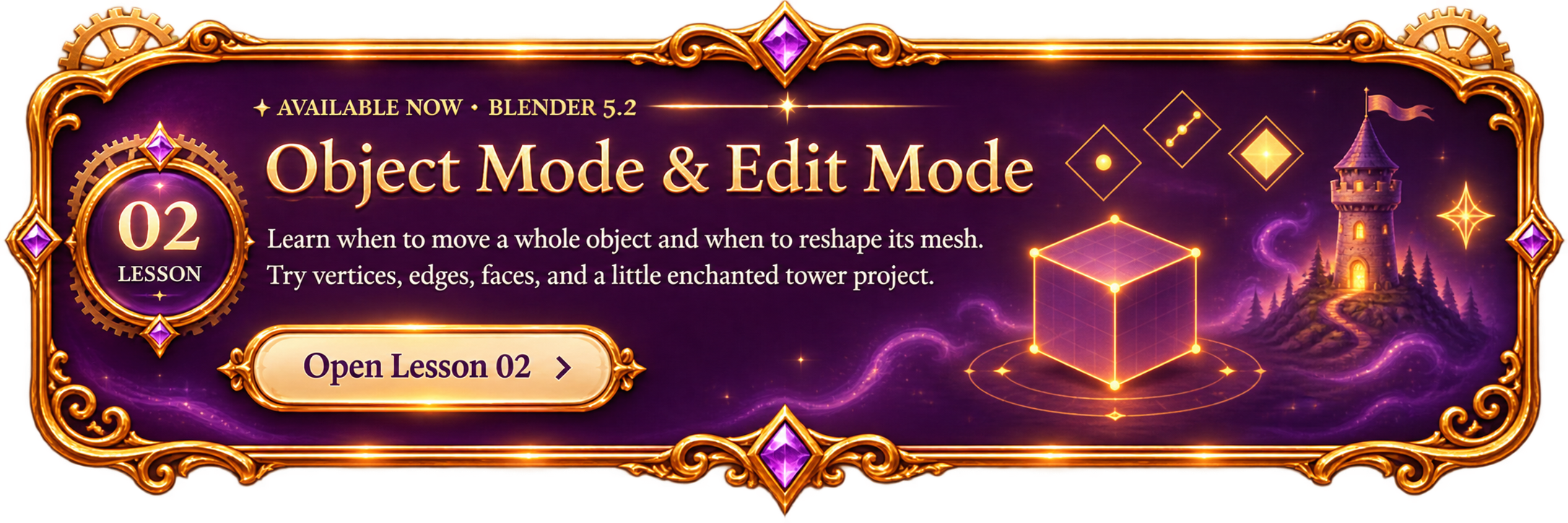
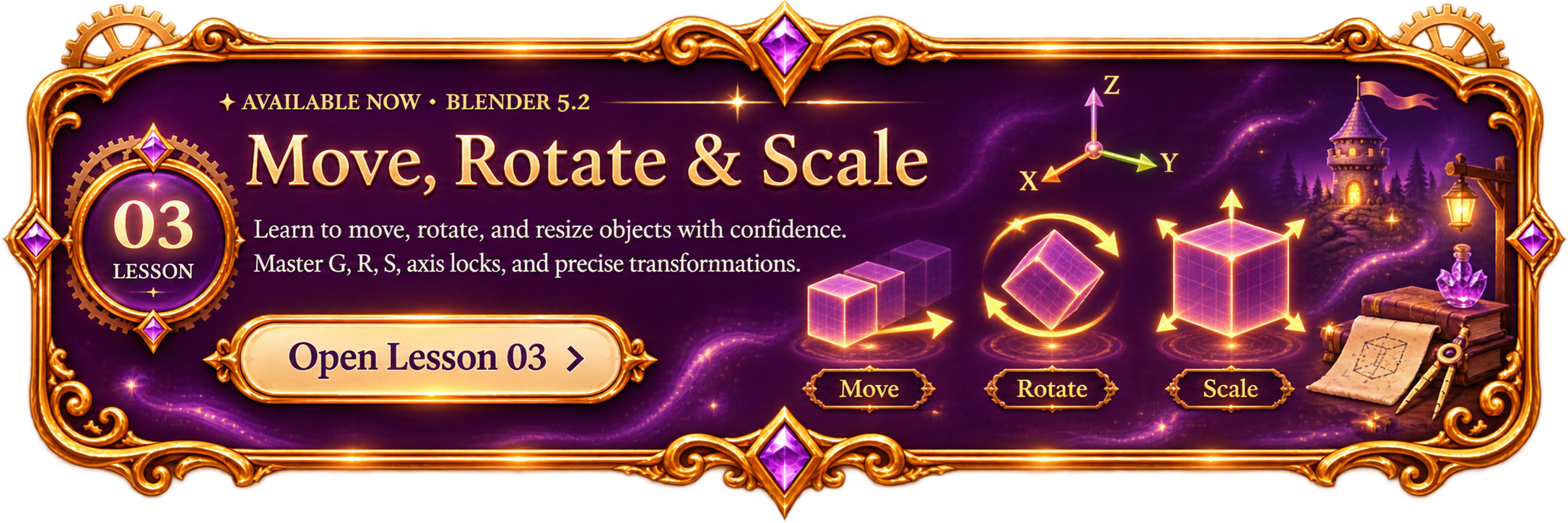
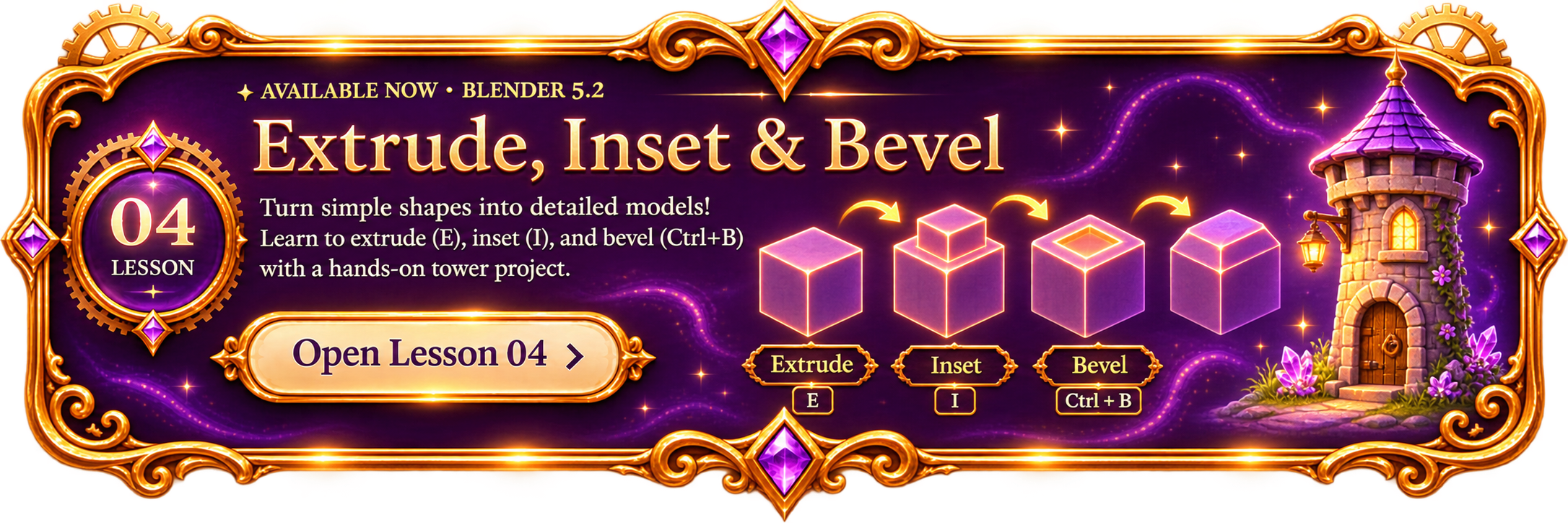
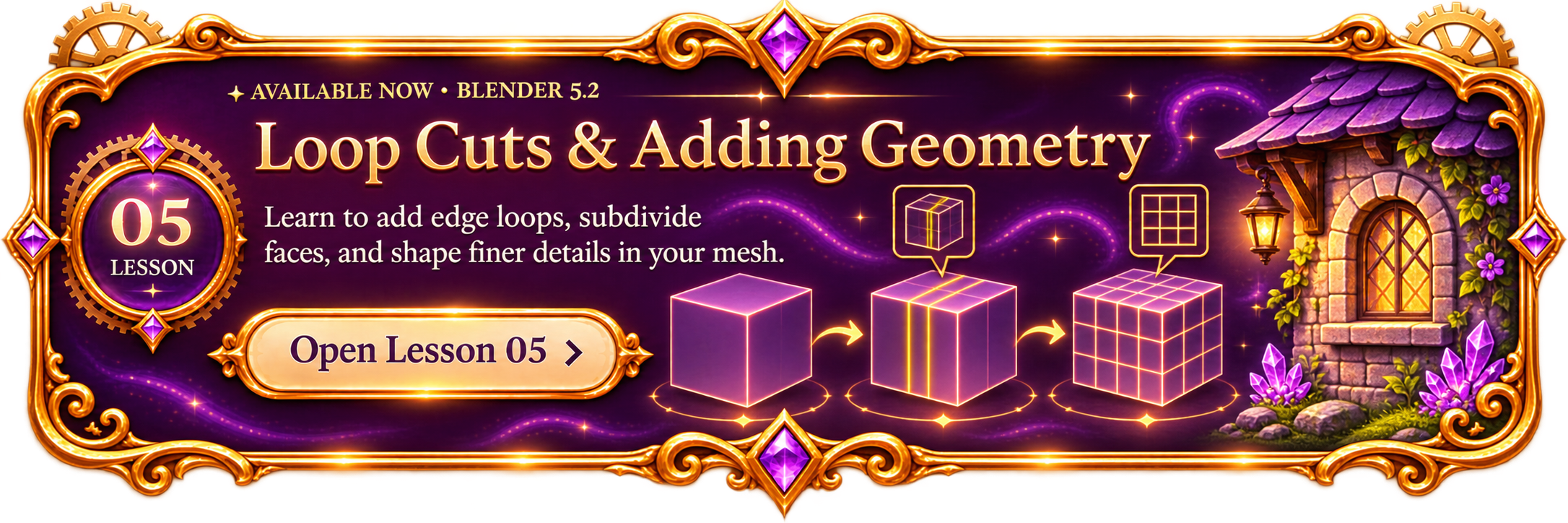
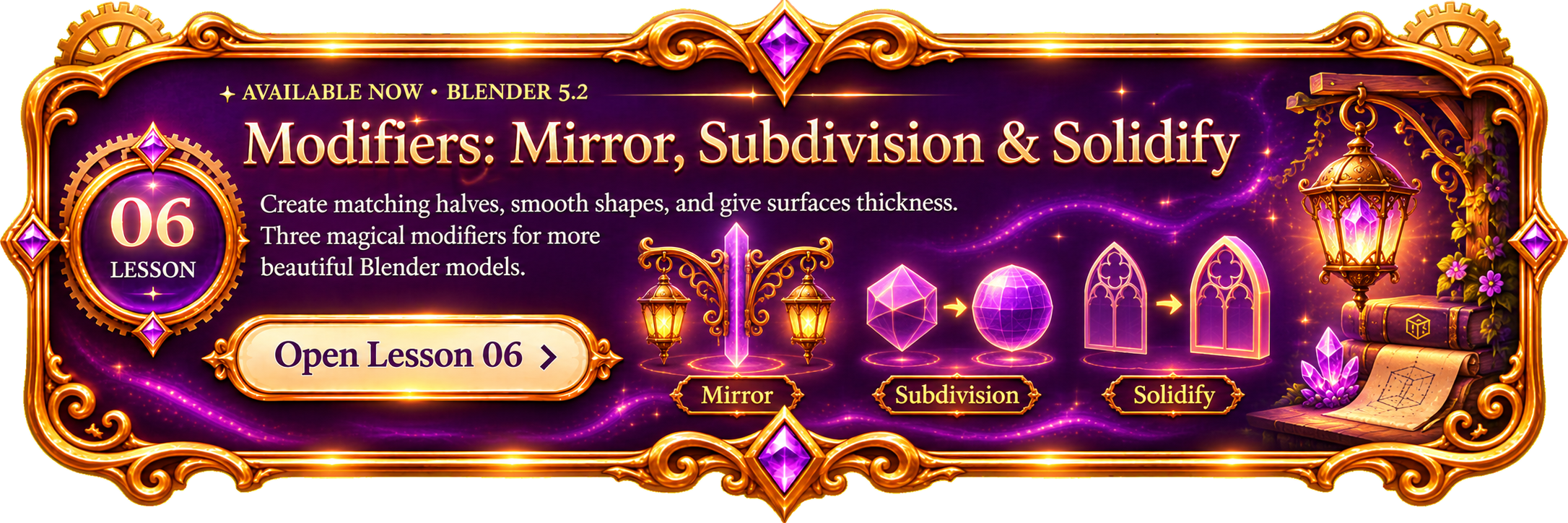
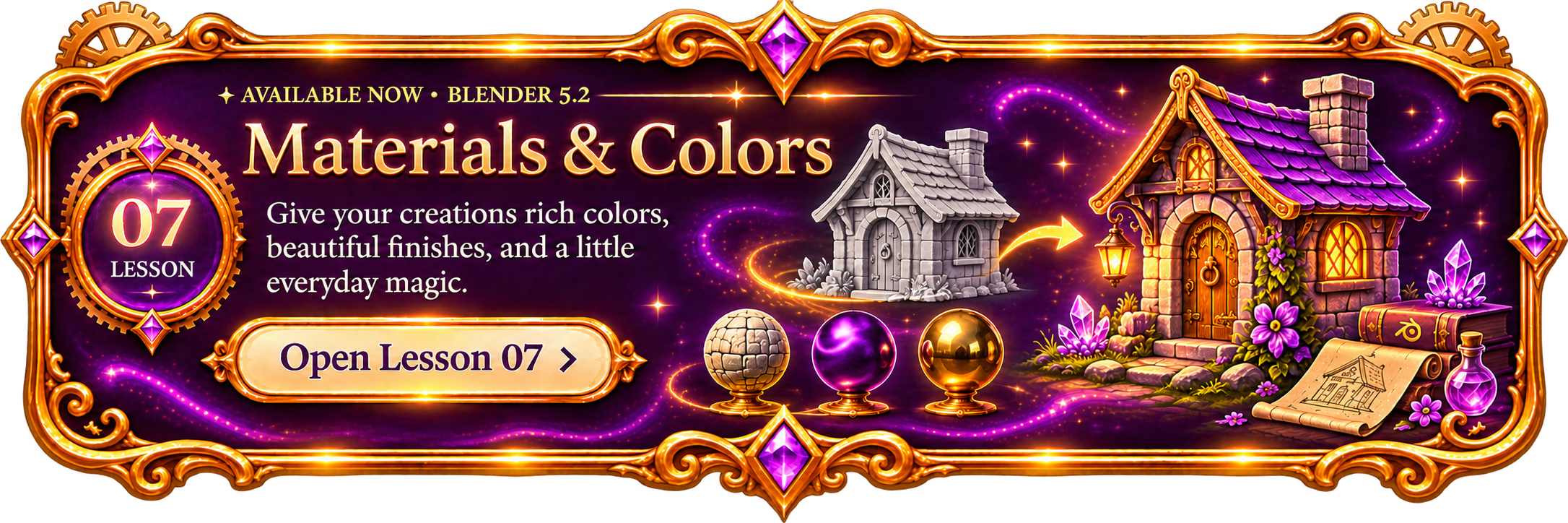
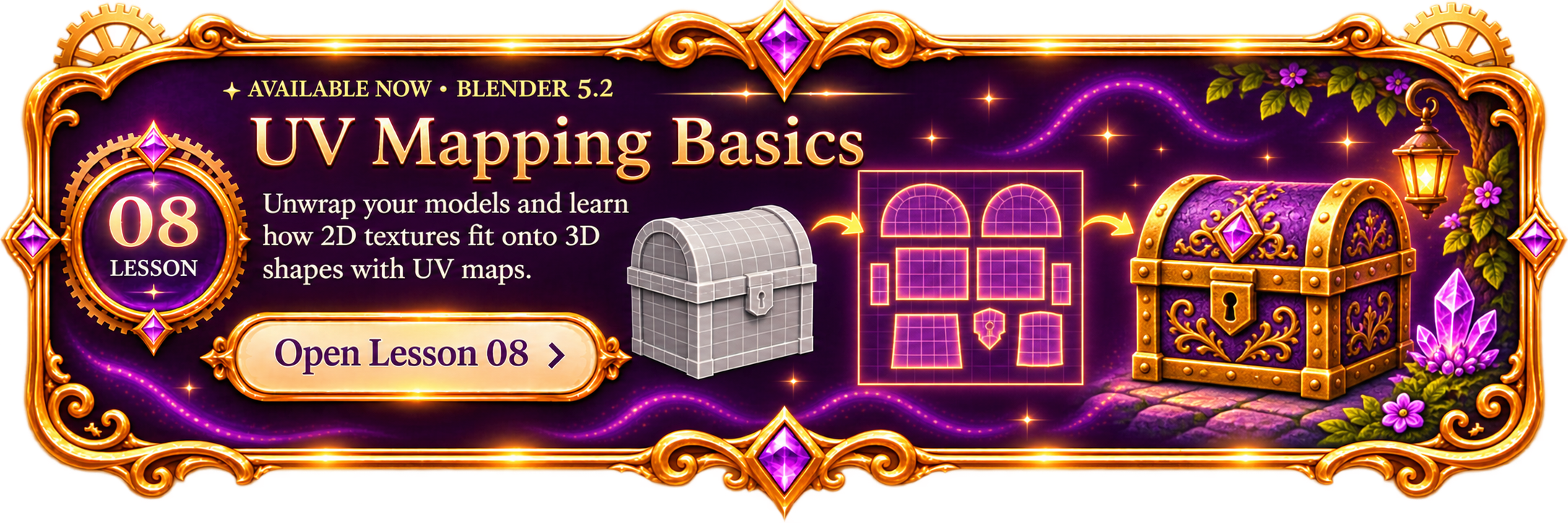
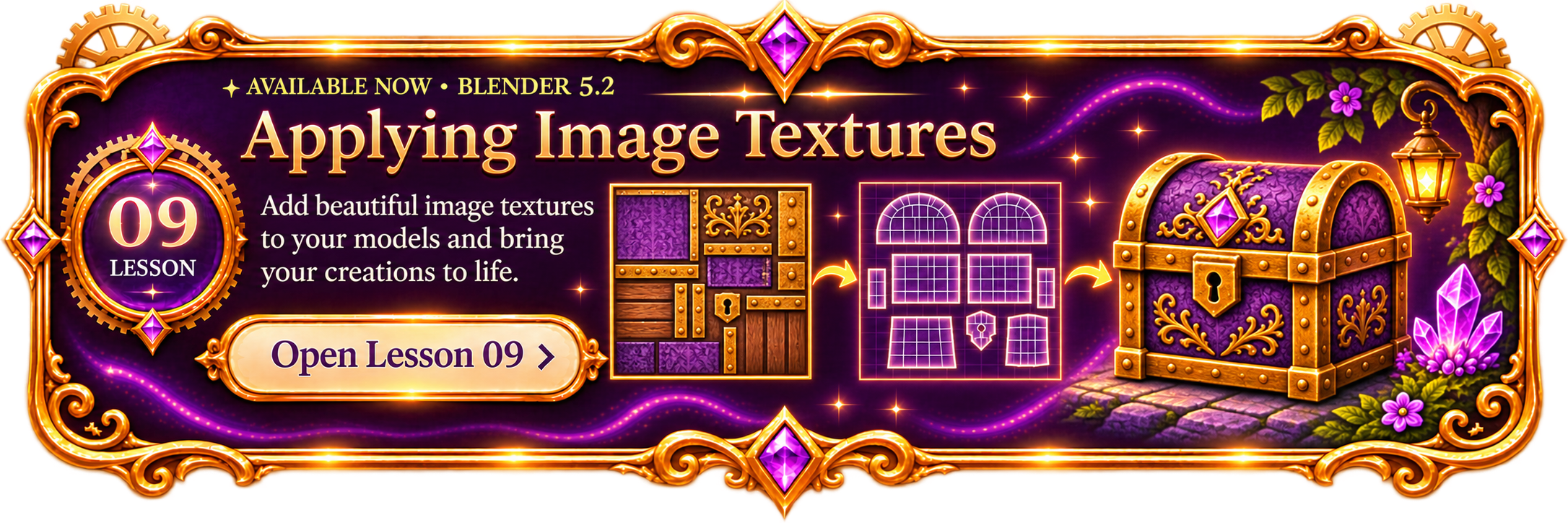
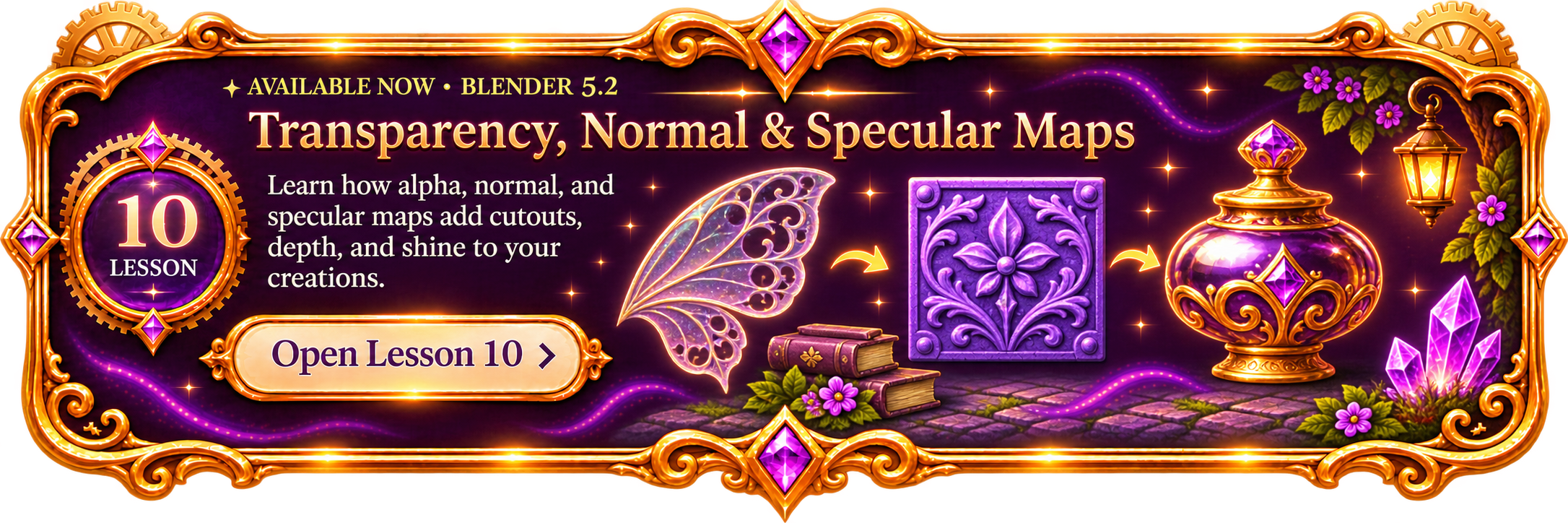
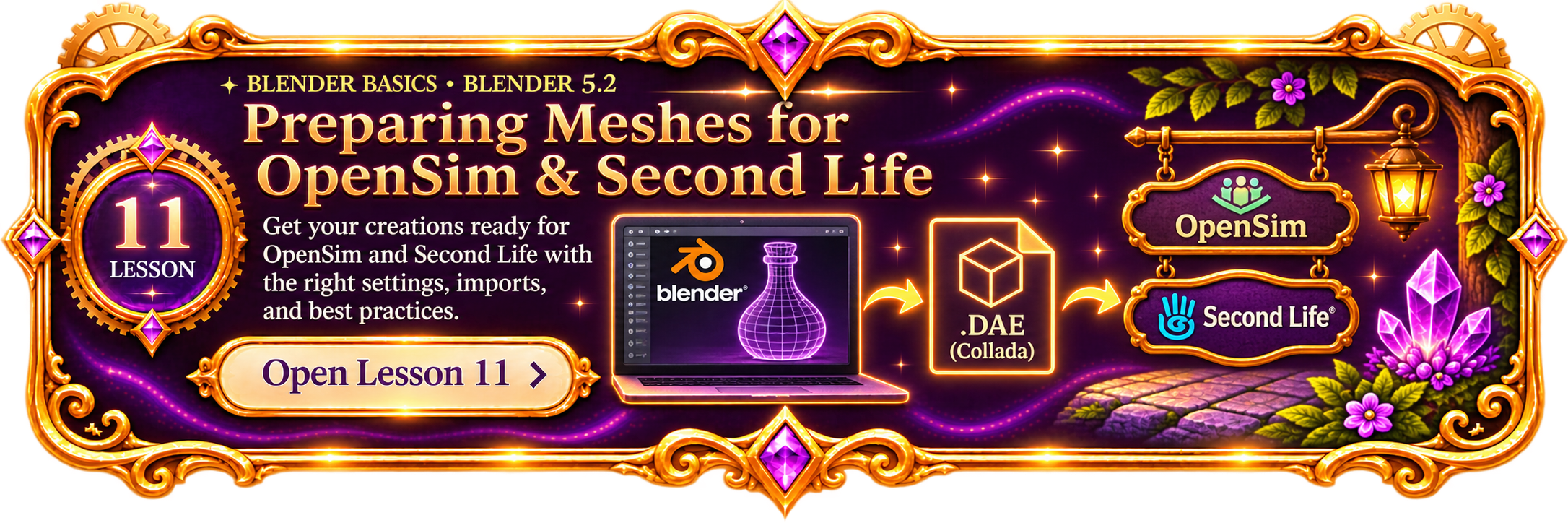
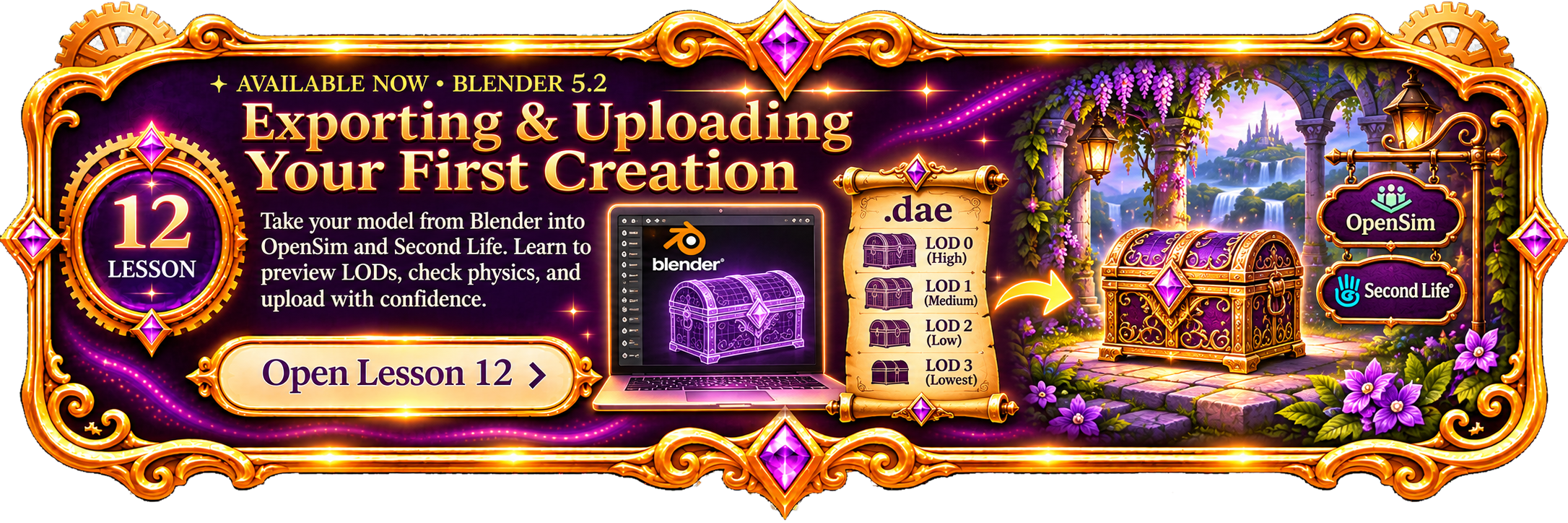
Lesson 01 — Getting Around Blender. Meet the 3D Viewport, Outliner, and Properties editor. Learn to orbit, pan, zoom, select your cube, and find your way back when you get lost. Start the first lesson. Lesson 02 — Object Mode and Edit Mode. Learn when to move a whole object and when to reshape its mesh. Try vertices, edges, faces, and a little enchanted tower project. Open Lesson 02. Lesson 03 — Move, Rotate and Scale. Learn G, R and S, constrain transformations to X, Y and Z axes, and create a tiny magical arch. Open Lesson 03. Lesson 04 — Extrude, Inset and Bevel. Use E, I, and Ctrl+B to create detailed shapes and build a little fantasy tower. Open Lesson 04. Lesson 05 — Loop Cuts and Adding Geometry. Learn Ctrl+R loop cuts, extra edge loops, subdividing faces, and a little enchanted cottage wall project. Open Lesson 05. Lesson 06 — Modifiers: Mirror, Subdivision and Solidify. Create matching halves, smooth shapes and add thickness. Open Lesson 06. Lesson 07 — Materials and Colors. Watch a gray cottage transform into a purple-roofed fantasy cottage with colorful materials. Open Lesson 07. Lesson 08 — UV Mapping Basics. See a treasure chest unfold into UV islands and become a colorful purple-and-gold creation. Open Lesson 08. Lesson 09 — Applying Image Textures. See a decorative texture sheet, a UV map and the textured purple-and-gold enchanted treasure chest. Open Lesson 09. Lesson 10 — Transparency, Normal and Specular Maps. A translucent amethyst wing, an embossed normal-map tile, and a gleaming decorative golden vessel. Lesson 11 — Preparing Meshes for OpenSim and Second Life. From Blender to GLB and The Mesh Refinery's Collada DAE upload pack. Open Lesson 11. Lesson 12 — Exporting and Uploading Your First Creation. A purple-and-gold treasure chest travels from Blender through DAE levels of detail into an enchanted OpenSim or Second Life world.

✦ EXTRA HELP WHEN YOU NEED IT ✦

Blender Setup & Helpful Tools

These handy guides are optional and separate from the numbered modeling lessons.
Optional Setup Guide — Installing Add-ons in Blender 5.2. Learn how to safely install, enable and manage Blender add-ons. Open.

✦ BEYOND THE BASICS ✦

Clothing Rigging & Weight Painting

An optional, more advanced guide for makers creating wearable mesh clothing for OpenSim and Second Life.
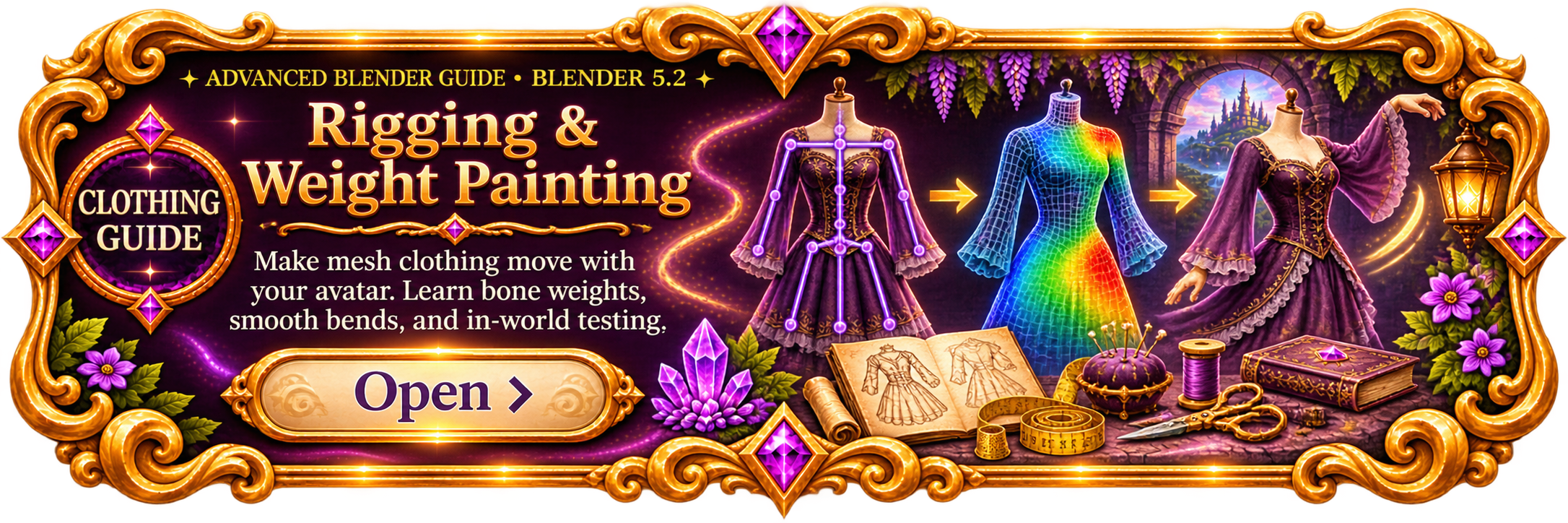
Advanced Clothing Guide: Rigging and Weight Painting. Make mesh clothing move with your avatar using bone weights, smooth bends and in-world testing. Open.
← Back to All Tutorials